A digital menu for a café: what is different from a restaurant
A café is not a small restaurant. Guests often order at the counter, decide in seconds, and come back every day. A café menu has to be fast to read, easy to update, and clear about sizes and options.
Lead with drinks
Most café orders start with a coffee. Put your drinks section first, and split it so guests don't scroll through a long list:
- Espresso drinks
- Tea and infusions
- Cold drinks and smoothies
Show sizes and add-ons clearly
Instead of one dish per size, write the sizes in the description, for example "Small / Large" with both prices, and list add-ons such as oat milk, an extra shot or syrups in a short line. Guests with dietary needs look for these details first.
Label what matters to your guests
Café guests often ask the same questions: Is it vegan? Does it have nuts? Is there gluten? In GetMenuBloom you can mark dishes as Vegan, Vegetarian or Gluten-free and list allergens on every item. Guests can also filter the menu by these labels.
Breakfast, lunch, and what is sold out
- Keep breakfast and lunch as separate sections, so guests at 4 pm don't read about eggs they can't order.
- When the croissants run out, hide them in one tap. Guests stop asking for them, and staff stop apologizing.
- Change today's cake or soup in seconds from your phone.
Put the code where people wait
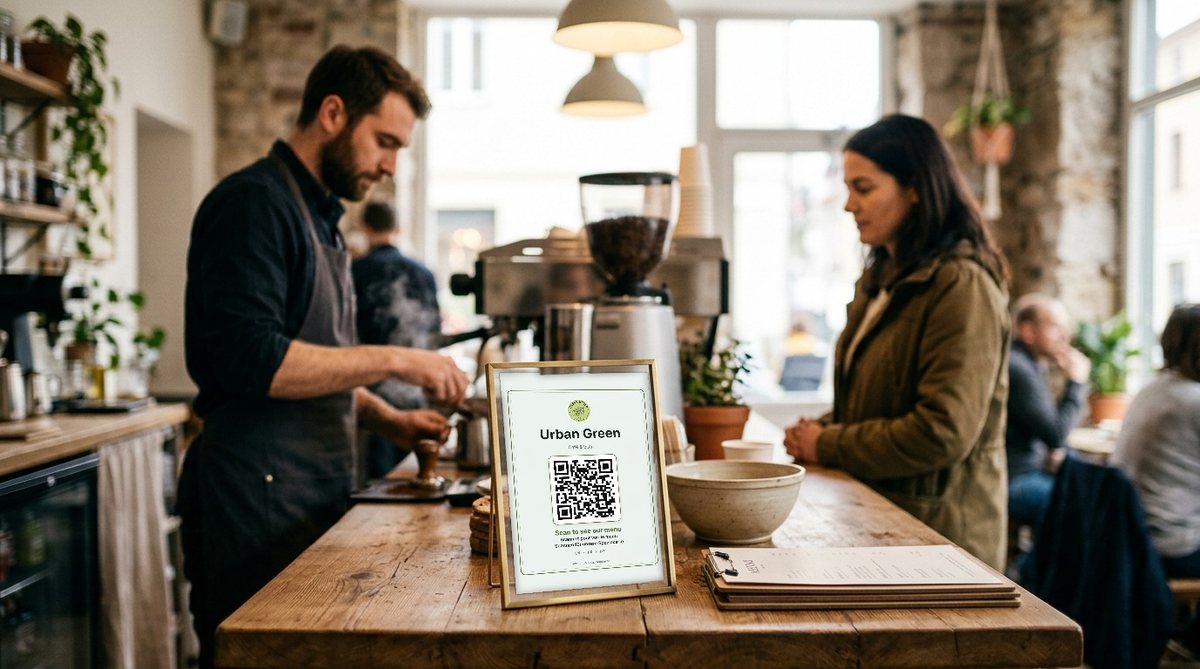
In a café, the best spot for the QR code is next to the register and on the tables. People in the queue read the menu before their turn, so orders are faster. Read more in where to place your menu QR code.
Speak your guests' language
Cafés in city centers and tourist areas serve visitors from many countries every day. With a menu translated into 30+ languages, a visitor can read "flat white" or "avocado toast" in their own language and order with confidence, without a long conversation at the counter.
Ready in an afternoon
Take a photo of your current menu board or printed menu, and GetMenuBloom fills in your drinks, dishes and prices. Choose a café look, add a few photos, print your QR code, and you are ready for tomorrow morning.