Do I have to type my whole menu?
No. Take photos of your printed menu, or upload it as a PDF or Word file (up to 30 pages), and we fill in your sections, dishes and prices for you. Check them, fix anything you like, and publish. No printed menu? Add dishes by hand in minutes. Too busy? Send us photos of your menu and we'll build it for you within 24 hours, free.
Can I translate my menu into other languages?
Write your menu in your own language, in English or any of 32 others (like Spanish, Chinese, Arabic, Hebrew, Italian, Japanese or Korean), and add up to 10 languages for your guests, English included. Choose only the ones you want; guests see just those and tap to switch, and the menu opens in the guest's phone language when it's on your list. Tap
Translate menu with AI to translate everything in one click, then fix any line by hand. Menu photos in any language work too: we keep your dishes in the language they're printed in. Please double-check dish names and allergen information in each language. More tips in our guide on
how to translate your restaurant menu.
Will my QR code ever change? How do I print it?
No. Your QR code stays the same when you change dishes, prices, your restaurant name or the design. In your editor, open QR code to download ready-to-print table cards with your logo (four to a sheet of regular paper), or the QR code on its own for stickers or your window. Even if you change your menu address later, QR codes you already printed keep working: we forward them to your new address.
What happens when my free trial ends?
Your menu page is paused for guests: scanning your QR code shows a short "menu temporarily unavailable" message. Nothing is deleted. Your dishes, design and translations stay saved, and as soon as you pay, the same QR code works again.
How does pricing and billing work?
You get 7 days free, with no credit card needed. To keep your menu after that, choose the yearly plan, $99 a year (less than $9 a month), or the monthly plan, $9.99 a month. Both include everything. In your editor, tap Subscribe and pay by card, Apple Pay, Google Pay or PayPal in a secure checkout run by our reseller Paddle. Your plan is active right away. Plans renew automatically so your menu and QR code never stop working, we email you before each yearly renewal, and you can cancel anytime.
How do I cancel or get a refund?
In your editor, tap Account, then Cancel subscription (the same link is in every email we send after you subscribe). You won't be charged again, and your menu stays live until the end of the period you paid for. Changed your mind? You can get a full refund within 14 days of any payment, including a renewal: email hello@getmenubloom.com from the email you signed up with and include your menu address (for example /m/your-restaurant). Refunds go back to your payment method, usually within 5 business days. To delete your account and menu completely, tap Delete my account at the bottom of your Account page.
Can I add photos of my dishes?
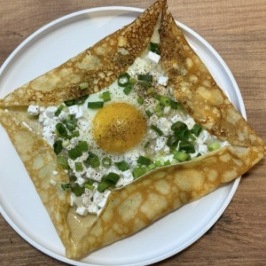
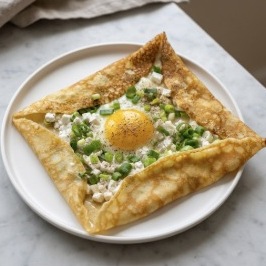
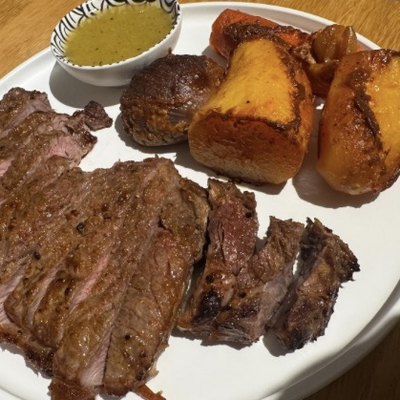
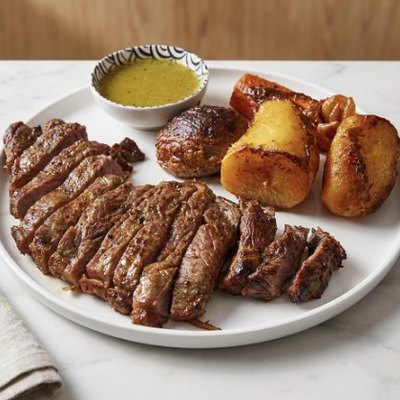
Yes. Add a photo to any dish, even a quick phone shot. Then tap Enhance with AI and pick a style: Magazine look gives it a styled background and professional light, like a food magazine, and Keep my background improves the light and colors while keeping your own table and setting. The dish itself stays exactly as you made it, and you choose whether to keep your photo or the new one. No photographer needed.
Can I download my menu as a PDF?
Yes. In your editor, open Download your menu as a PDF (or the QR & PDF tab), pick your languages and download. You get a print-ready PDF in your menu's design for each language you pick, with your dishes, prices, photos, allergens and a QR code to your live menu.
Do my guests need to download an app?
No. Guests point their phone camera at the QR code and your menu opens in their browser, on iPhone and Android.
Can guests show the waiter what they want?
Yes. Guests tap + My list next to dishes, in their own language, then Show the waiter: a clear list with quantities and the dish names in your menu's language, so ordering takes seconds and nothing gets lost in translation. It stays on their phone; you can turn it off under Contact, hours, Wi-Fi & socials.
Can I edit my menu anytime?
Yes. Your editor is always available, on your phone, tablet or computer, even after your trial ends. Change prices, add dishes or whole sections (like a cocktail menu or weekend brunch), then tap Update menu: guests see it right away, and anything new is translated automatically. No reprinting needed.
Can I have a different menu for different days?
Yes. Under Saved versions, save your menu under a name, like Taco Tuesday, Sunday Brunch or Summer menu. Switch to it whenever you like and tap Update menu: guests see it right away, on the same QR code. Switch back just as easily.
Can I decorate my menu for holidays?
Yes. Under Design, open Seasonal decorations and pick Christmas, Halloween, Easter, St Patrick's Day, Thanksgiving and more. Your menu gets a festive garland and light decorations, and you can turn it off again after the holiday.
Can I show prices in my own currency?
Yes. Your menu starts in your country's currency, and you can pick another one anytime (Euro, Canadian Dollar, Israeli Shekel and more) under Business details.
Can I share my menu online too?
Yes. In your editor, open QR code to send your menu link on WhatsApp, post it on Facebook or Instagram (as a feed post or a story, with an image we make for you), or copy the link for your website and Google profile.
 Scan meTry the demo menu on your phone
 Restaurants
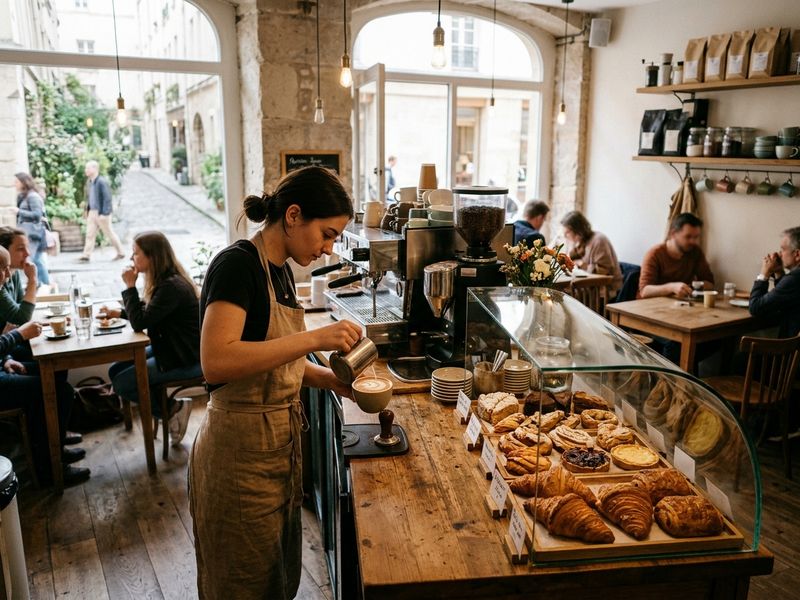 Cafés
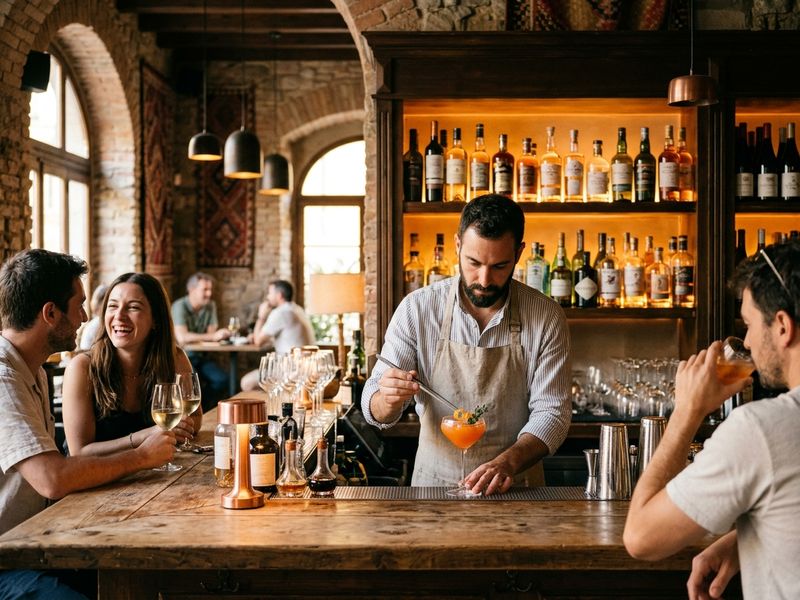 Bars
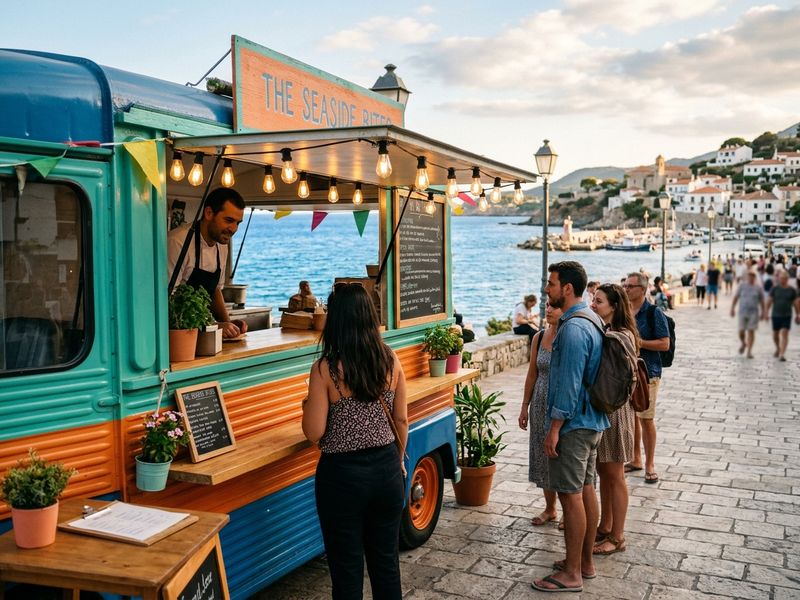 Food trucks
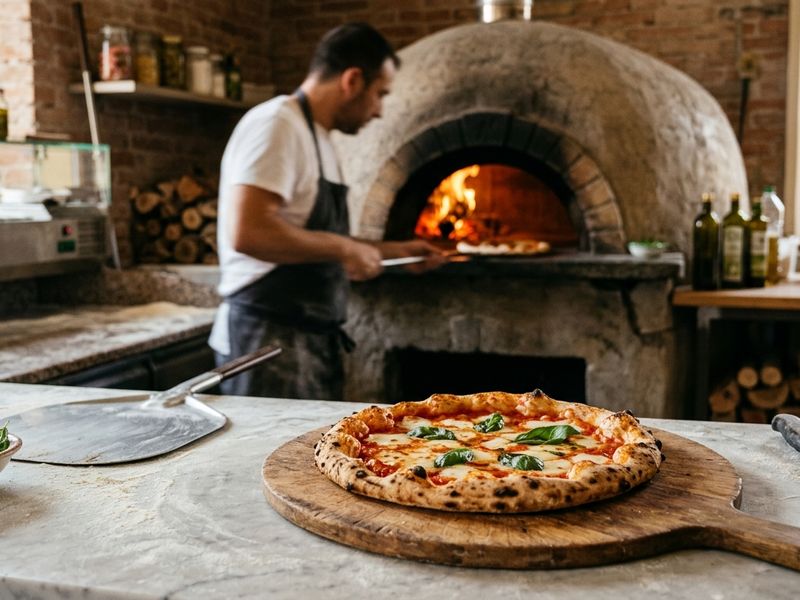 Pizzerias
 Bakeries and patisseries
 Beach bars
 Hotels