Where to place your menu QR code so guests actually scan it
A QR code only works if guests see it at the right moment: when they sit down, when they wait in line, or when they walk past your door wondering if they should come in. Here are the places that work best, and how to get each one right.
1. On every table
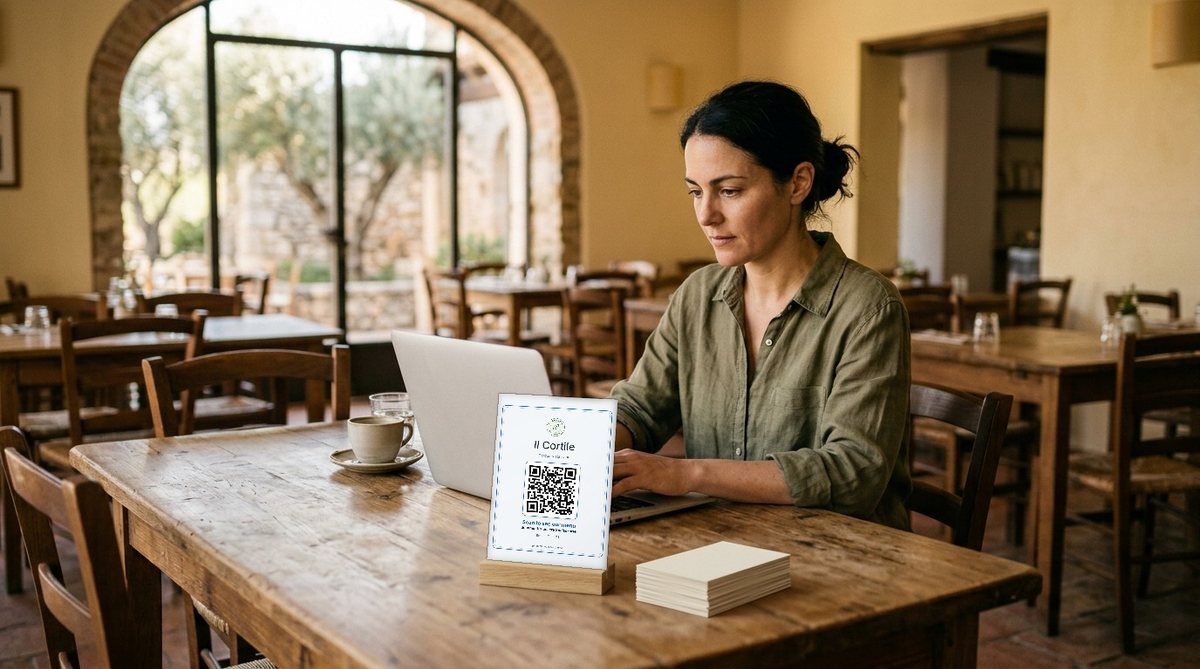
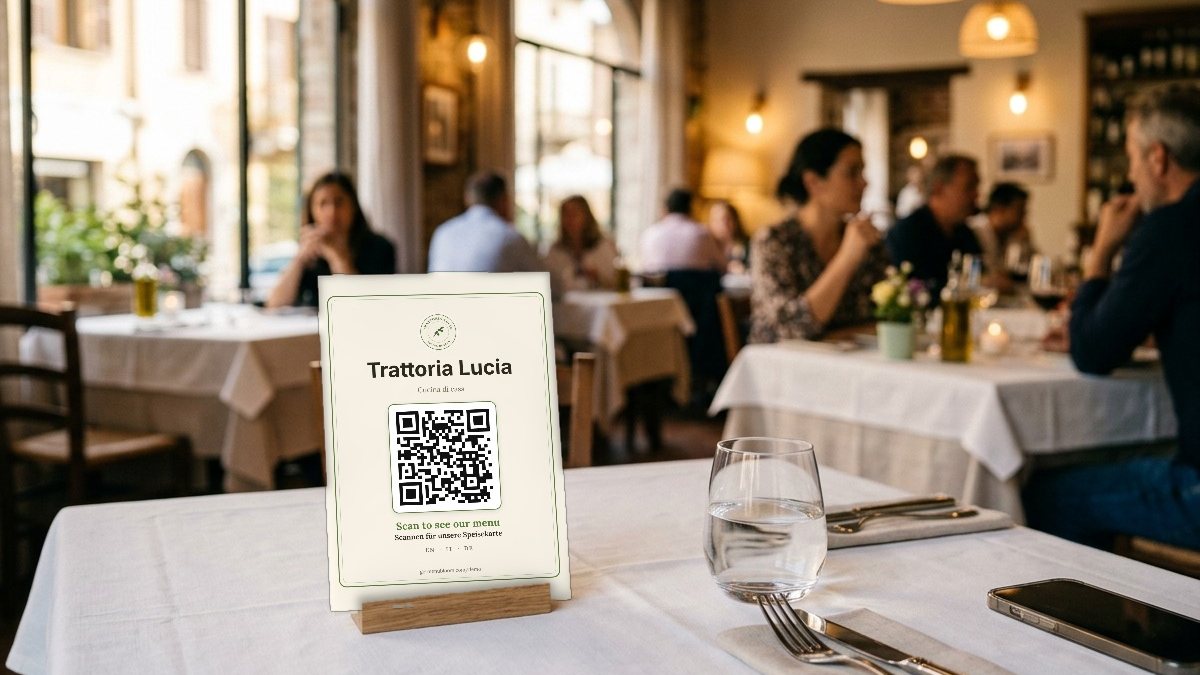
The table is where most scans happen. A small standing card is better than a sticker on the tabletop, because guests see it from their chair, without moving plates or glasses.
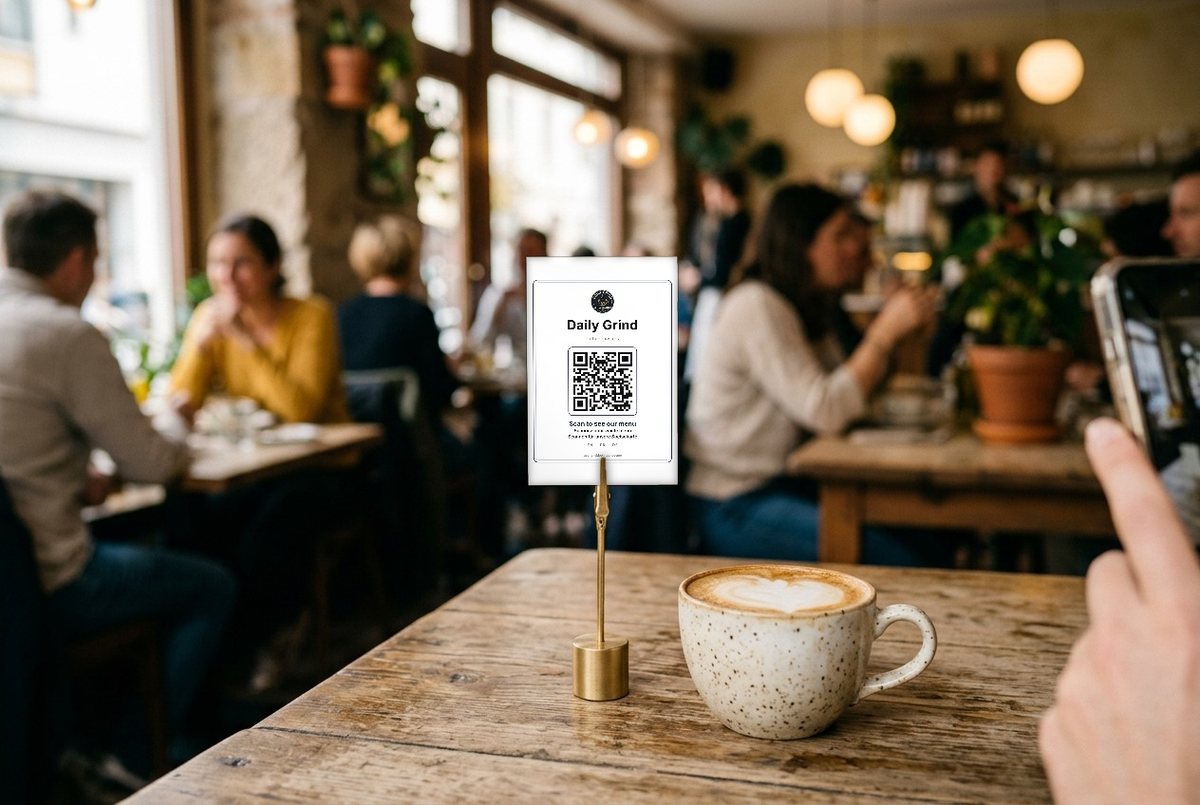
- Size: at least 3 x 3 cm (about 1.2 inches) for the code itself. A table card of about 10 x 15 cm is comfortable to scan from a seat.
- Position: at the edge of the table near the wall or window, not in the middle where plates go.
- One per table. If guests have to ask for "the QR", most of them won't.
2. Next to the counter or cash register
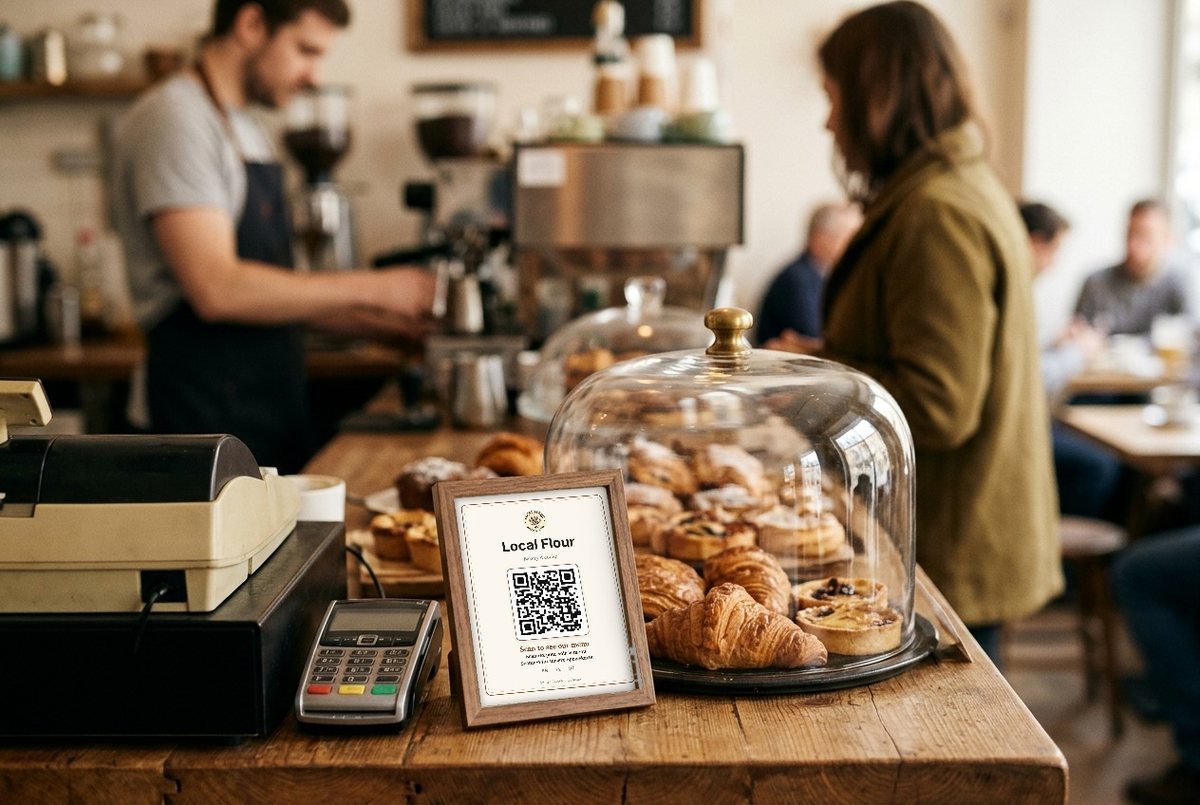
In cafés, bakeries and takeaway spots, people decide what to order while they wait. A framed code next to the register lets the next person in line read the menu, in their own language, before it is their turn.
3. At the entrance
A sign outside works like a shop window: people passing by can see your dishes and prices before they decide to come in. This matters most in tourist areas, where visitors compare a few places in the same street.
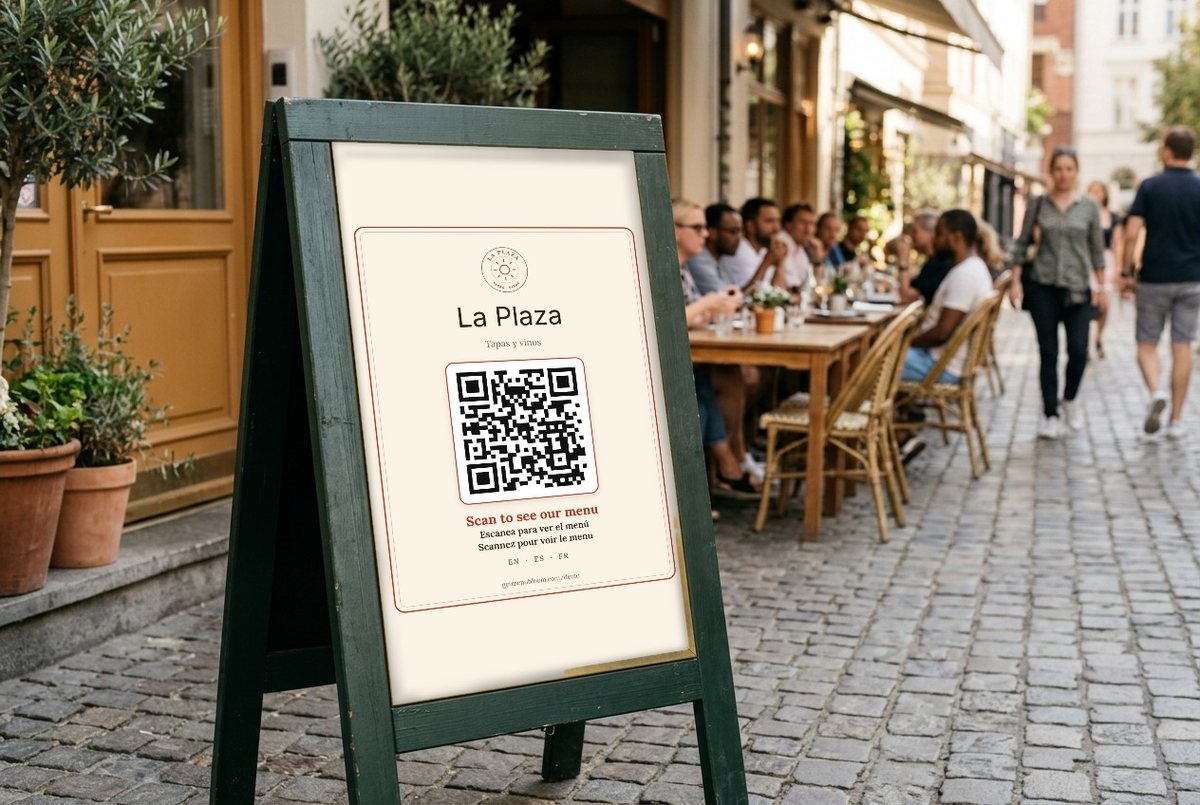
- An A-frame sidewalk sign with a large code (10 x 10 cm or bigger) can be scanned from 1 to 1.5 meters away.
- Add one short line, such as "Scan for our menu in your language". It tells tourists exactly why they should scan.
4. On the front window
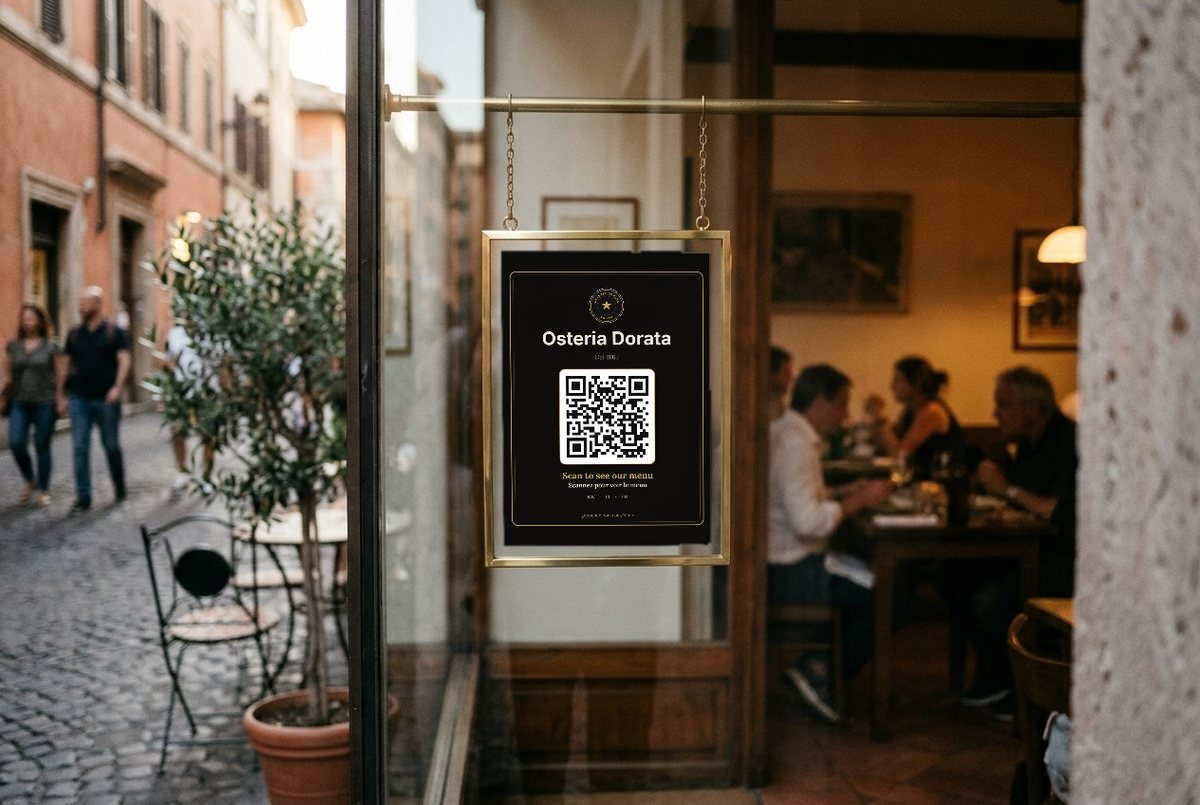
A round sticker at eye level works even when you are closed, so people can check your menu at night and come back the next day.
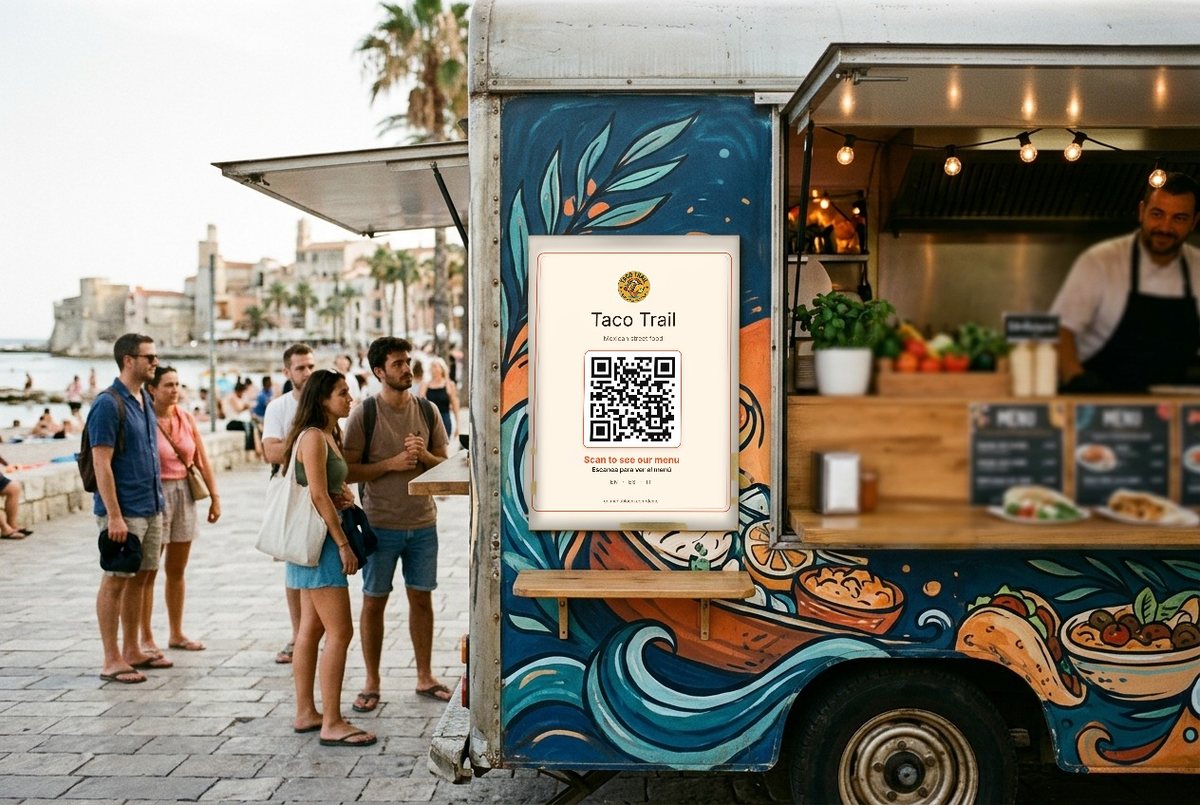
5. On the side of a food truck
For food trucks, put the code next to the serving window at chest height, large and high contrast. People in the queue scan it while they wait, and the line moves faster because they already know what they want.
6. On the bar
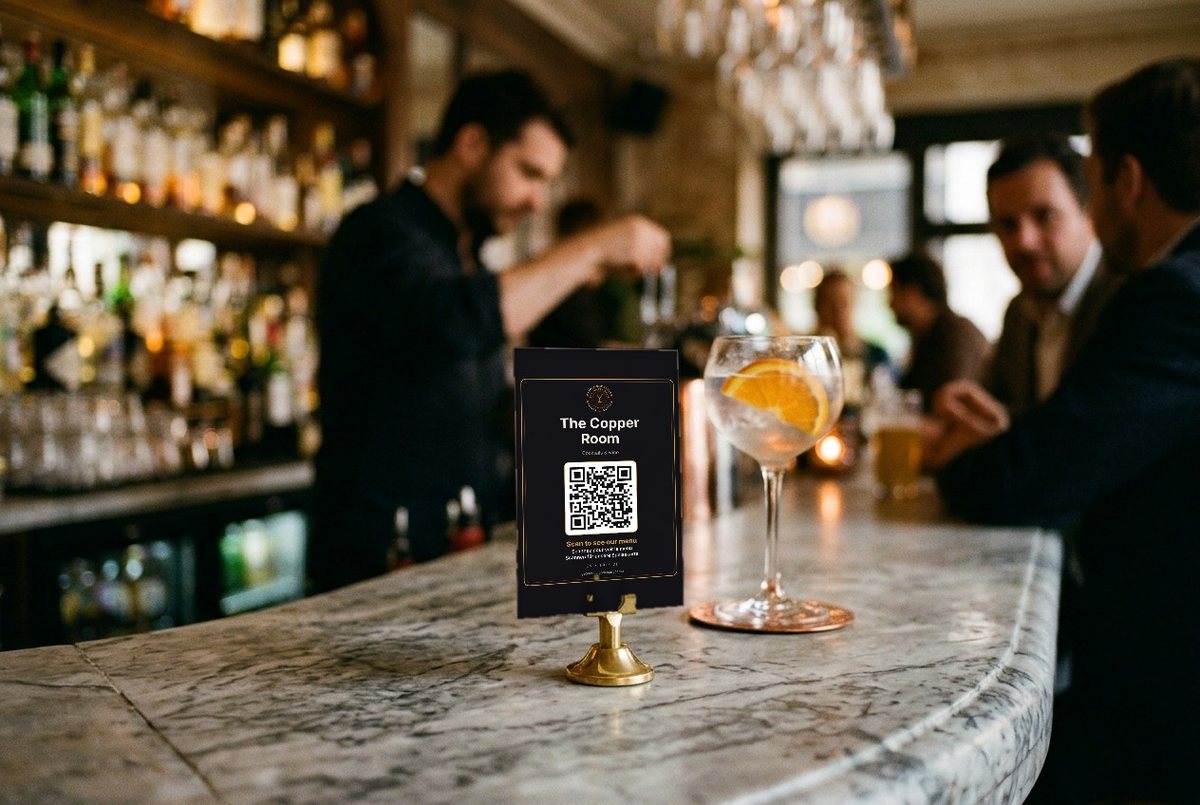
Coasters, small stands between the taps, or a card next to the cocktail list: at the bar, guests often order a second round, so make the menu easy to find again.
7. In the bill folder
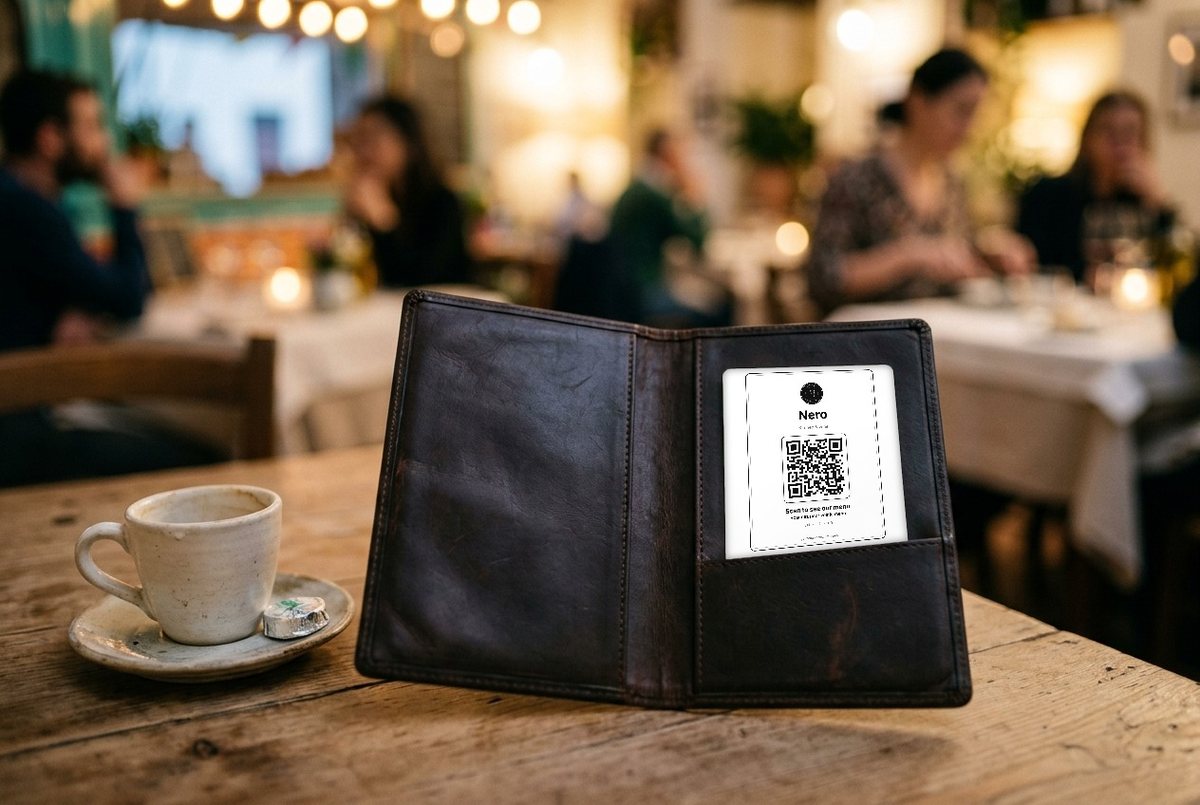
A small card in the bill folder is a gentle way to invite guests back: they can save your menu link on their phone, share it with friends, or check tomorrow's specials.
8. On a standing banner, at hotels and beach bars
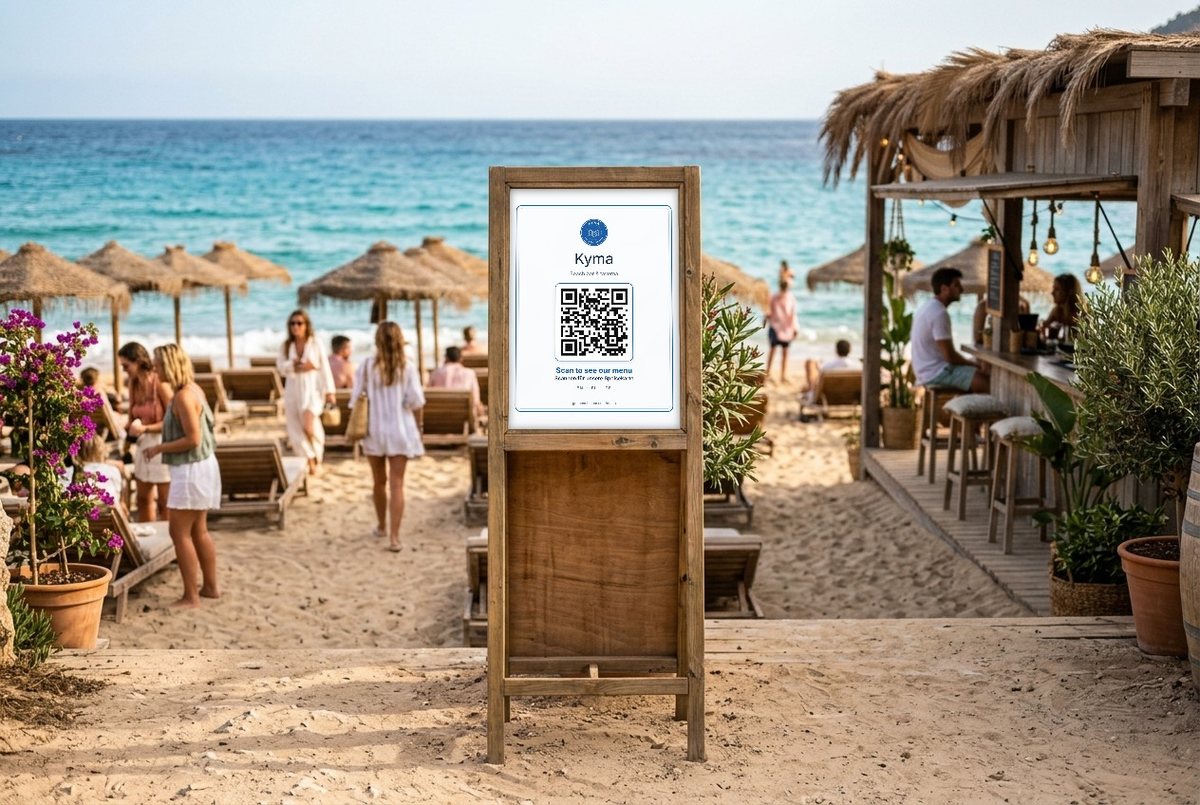
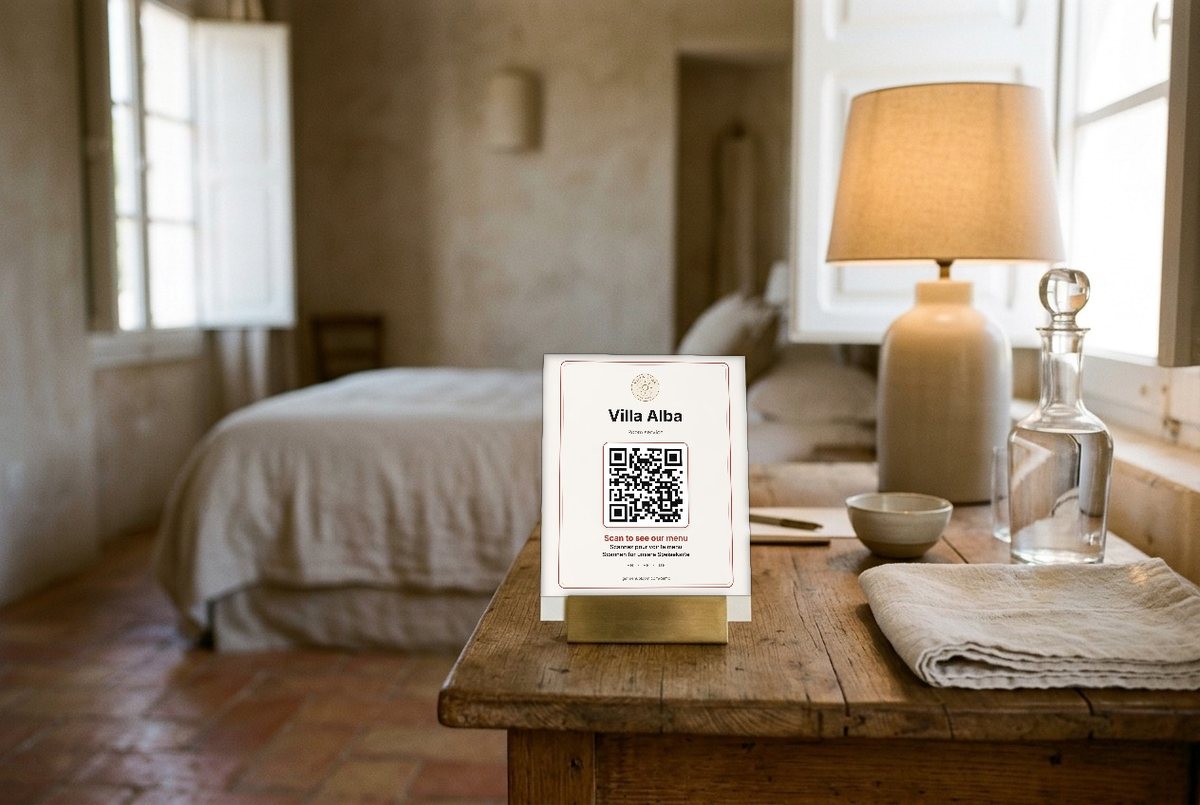
Large open spaces need a large sign. A roll-up banner at the entrance of a beach bar, a pool area or a hotel lobby lets guests read the menu without waiting for a server. In hotel rooms, a small card on the desk works as a room service menu.
Placement mistakes that stop guests from scanning
- Too small or too far away. A rule of thumb: the scanning distance should be no more than about 10 times the size of the code.
- Low contrast. Dark code on a light background. Gold on black or light grey on white often fails in dim restaurants.
- Shiny lamination under strong lights. The glare hides the code. Matte paper or matte lamination scans better.
- No reason to scan. "Menu" alone is weak. "Menu in 30+ languages" or "See today's dishes and prices" gives guests a reason.
- A code that can break. If you reprint the code every time your menu changes, old cards end up on tables pointing to the wrong place.
One code, everywhere
With GetMenuBloom, your QR code never changes, even when your dishes, prices or languages do. You can download it as a ready-to-print table card from your editor, print as many copies as you need, and use the same code on tables, signs, windows and your website.