How to translate your restaurant menu into multiple languages
If tourists or international guests visit your restaurant, a menu in their language helps them order with confidence, ask fewer questions and try more dishes. Here is how to translate your restaurant menu well, without paying for a new printed menu in every language.
Why translate your menu
- Guests order more when they understand the menu. People who can't read a dish often skip it and order something familiar.
- Waiters save time. Fewer table visits to explain what each dish is.
- Fewer allergy mistakes. Allergens and ingredients are where a misunderstanding matters most.
- Better reviews. Visitors remember the places that made them feel welcome.
Which languages to choose
Start with the guests you already have, not every language in the world:
- Look at who comes in. Your staff know which languages they hear most. Booking platforms and review sites also show where guests come from.
- Think about your area. Beach towns, city centers, airports and hotels each attract different visitors.
- Start with 3 to 5 languages, then add more when you see demand. English is almost always one of them.
What to translate, and what to leave
- Translate: section names, dish descriptions, ingredients, allergens, sizes and notes such as "served with fries".
- Keep the original dish name for well-known or local dishes, like tiramisu, paella or souvlaki, and add a short translated description under it. Guests often look for the local name.
- Prices stay the same in every language, in your local currency.
- Don't translate your restaurant's name.
Common menu translation mistakes
- Word-for-word translation. A literal translation of a dish name can sound strange or even funny. Describe the dish instead.
- Forgetting allergens. If the description is translated but the allergen list is not, guests still can't order safely.
- Out-of-date translations. You change a dish in your main menu, and the English and German versions still show the old one.
- Too many printed versions. A separate printed menu for every language is expensive, and they quickly fall out of sync.
Four ways to get a menu translated
| Option | Speed | Cost | Stays in sync |
|---|---|---|---|
| Professional translator | Days | High, per language | No, every change costs again |
| A staff member or friend | Slow | Free | Only if they keep updating it |
| A translation app, copy and paste | Fast | Free | No, you redo it after every change |
| A multilingual digital menu | Minutes | Included | Yes |
The fastest way: a multilingual digital menu
With GetMenuBloom, you build your menu once, then translate it into up to 10 languages in one click, from more than 30 available, including Spanish, French, German, Italian, Chinese, Japanese, Korean and Arabic. Then:
- Edit any translation by hand if you want a dish to read a specific way.
- Guests see their own language automatically when your menu has it, and can switch languages at the top of the menu.
- Allergens and dietary labels appear in each guest's language.
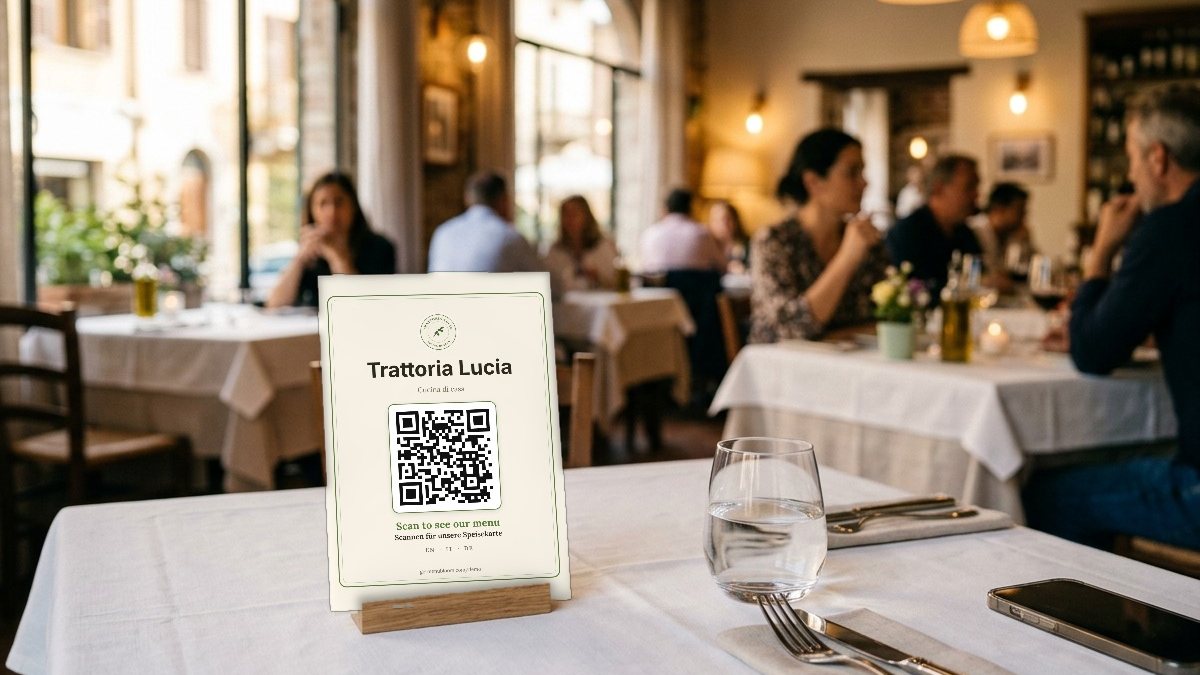
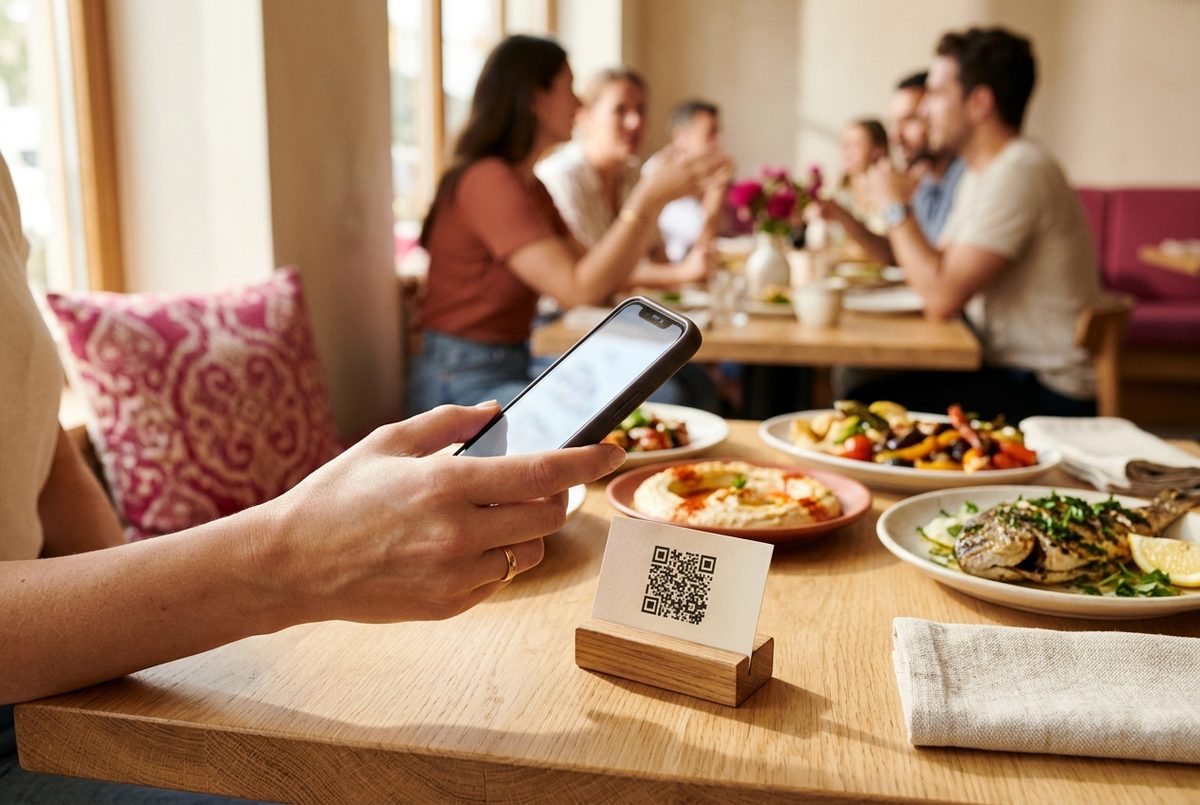
- One QR code for every language. No separate menus to print or keep in sync.
Tip: after translating, ask a guest or staff member who speaks the language to read a few dishes. Small fixes take seconds in the editor.
Want to see it first? Open our sample menu and switch languages at the top. When you are ready, see how to turn your printed menu into a digital menu in one scan.