Online menu maker for restaurants: create your menu in minutes
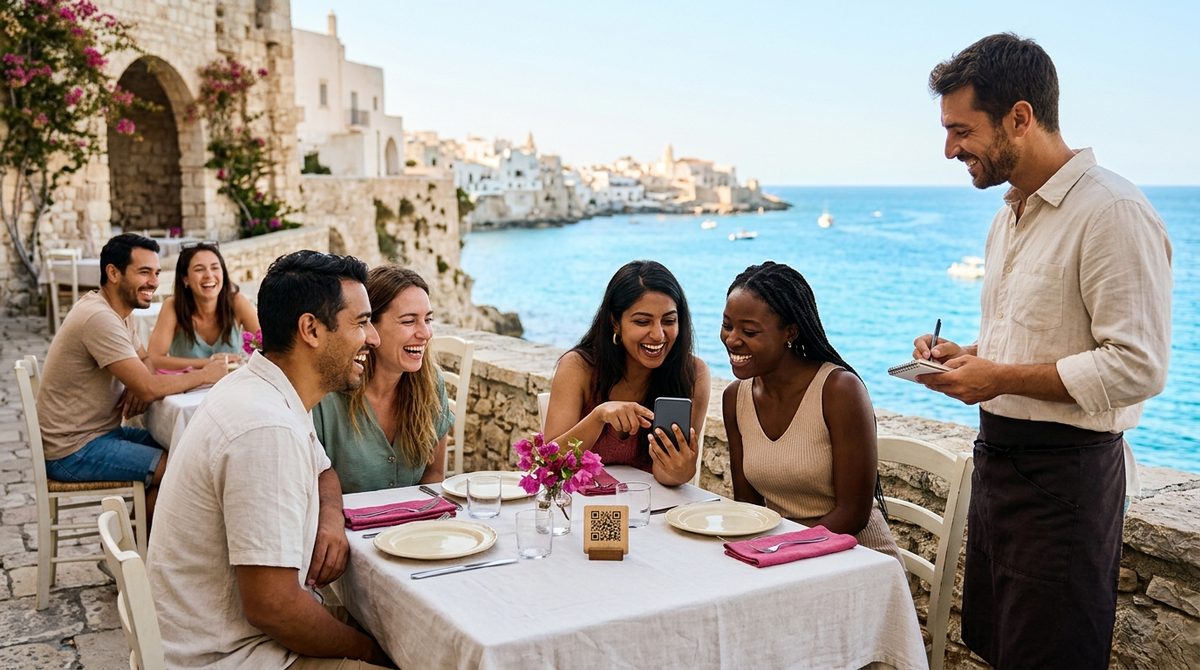
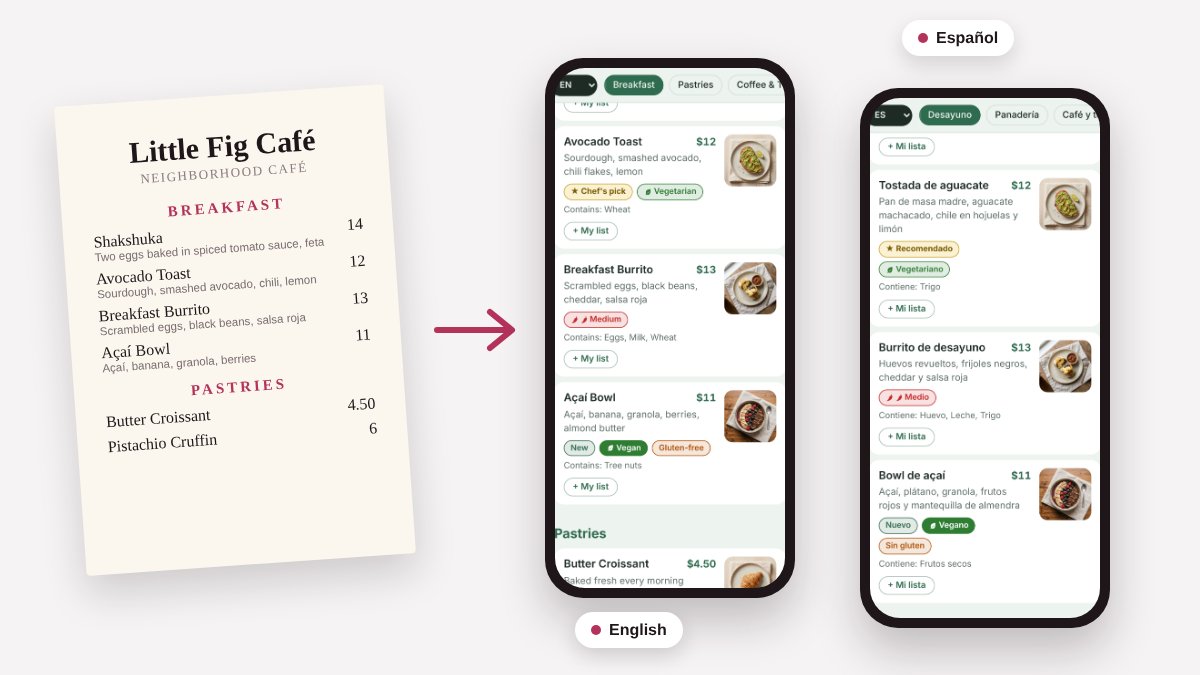
An online menu maker turns your dishes and prices into a menu page that guests open on their phone with a QR code. The best ones read a photo of your printed menu, so you don't have to type anything, and translate it for tourists. With GetMenuBloom this takes about 5 minutes.
Searching for a menu maker usually means one of two things. Either you want a nice-looking menu to print, or you want a menu your guests can open on their phone. Many owners end up needing both. This guide explains the difference, what a good online menu maker should do for a restaurant, and how to create your own menu in a few minutes.
Two kinds of menu makers
- Print menu creators. Design tools with menu templates: you pick a layout, type your dishes, and download a PDF or an image to print. Great for a one-time printed menu, but every price change means editing and printing again.
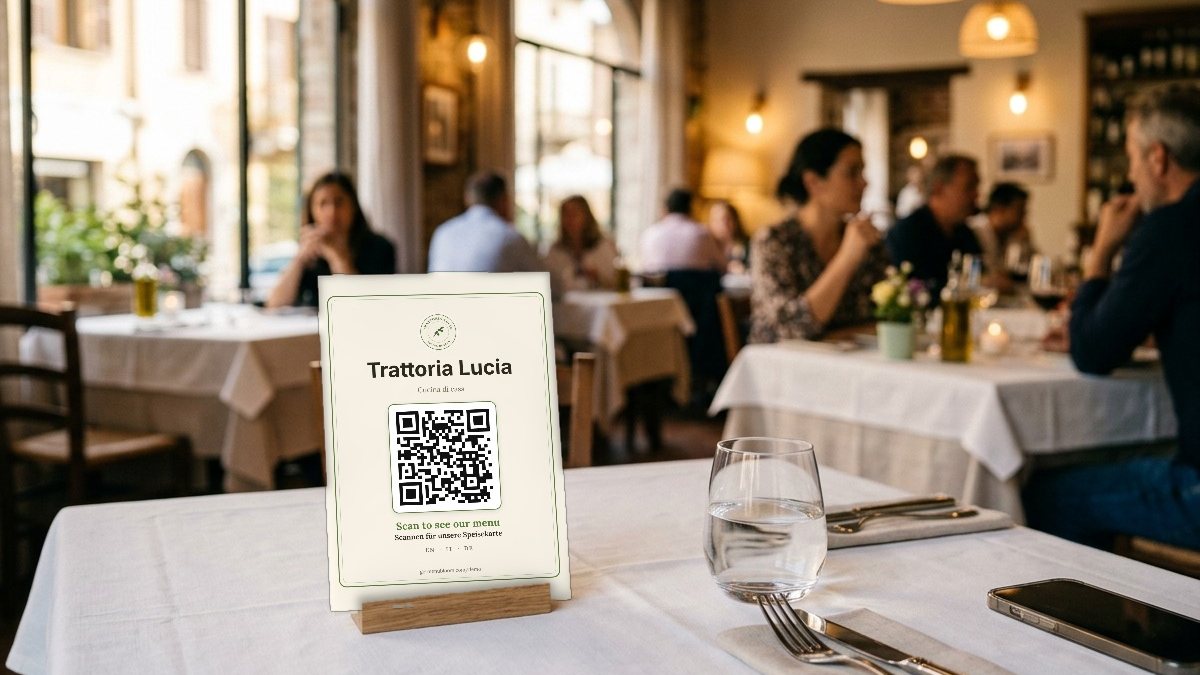
- Online menu makers for restaurants. You type your dishes once, and the tool turns them into a live menu page with its own address and a QR code. Guests scan, the menu opens on their phone, and you can change it anytime.
If your prices, specials or dishes change during the year, an online menu maker saves a lot of reprinting. You can still print table cards with the QR code that opens it.
What a good restaurant menu maker should do
Free menu creators are fine for a flyer. For a menu your guests use every day, check for these:
- Made for phones. Big text, clear sections, no zooming into a PDF.
- Fast to fill in. Typing 60 dishes by hand takes an evening. A good menu maker can read a photo or a PDF of your current menu.
- Easy changes. Change a price, mark a dish as sold out, or add today's special in seconds, without a designer.
- Photos, allergens and dietary labels. Vegan, gluten-free, spicy and allergen information that guests can filter.
- A QR code that never changes. When you edit the menu, the same printed code keeps working.
- Your design. Your logo, your colors and a style that fits your place, not a generic template.
- Languages. If you get tourists, a multilingual menu is the difference between guests ordering confidently and guests pointing at photos.
- No ads on your menu. Some free menu makers show ads or their own branding to your guests.
Free menu maker or paid: what you actually get
| Free menu maker | Online menu for restaurants | |
|---|---|---|
| Result | PDF or image | Live menu page and QR code |
| Price change | Edit and print again | Change it, guests see it instantly |
| Phone reading | Zoom and scroll | Built for phones |
| Languages | One, or copy each by hand | Translated automatically |
| Cost | Free, plus printing every time | A fixed monthly or yearly price |
A free menu template is a good start for a new café. Once you change prices a few times a year, the printing usually costs more than a menu subscription. See how much a digital menu costs for a clear breakdown.
How to create your own menu online in 5 steps
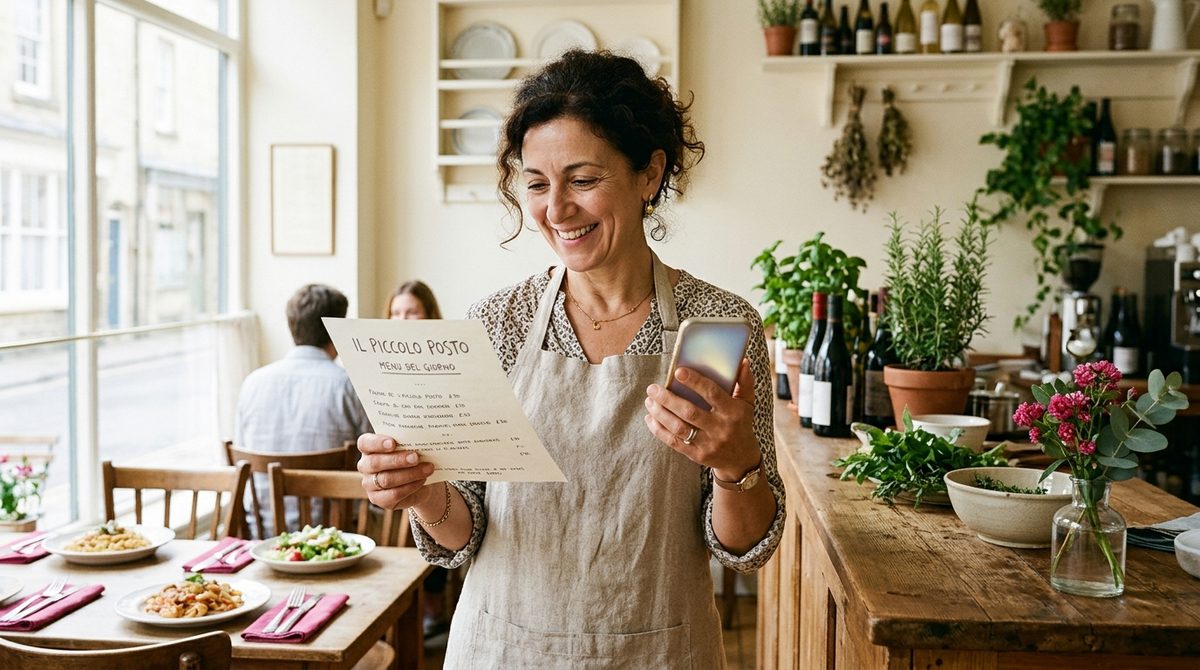
- Start from what you have. In GetMenuBloom, take a photo of your printed menu, or upload a PDF or Word file. Sections, dishes and prices are typed in for you. No printed menu yet? Add them by hand.
- Check the dishes. Add descriptions, photos, allergens and labels such as vegan or Chef's pick.
- Choose a design. Pick one of 12 styles (Bistro, Café, Trattoria, Taqueria, Fine dining and more), then add your logo, cover photo and brand color.
- Add languages. Translate the whole menu into up to 10 languages in one click, and edit any translation by hand.
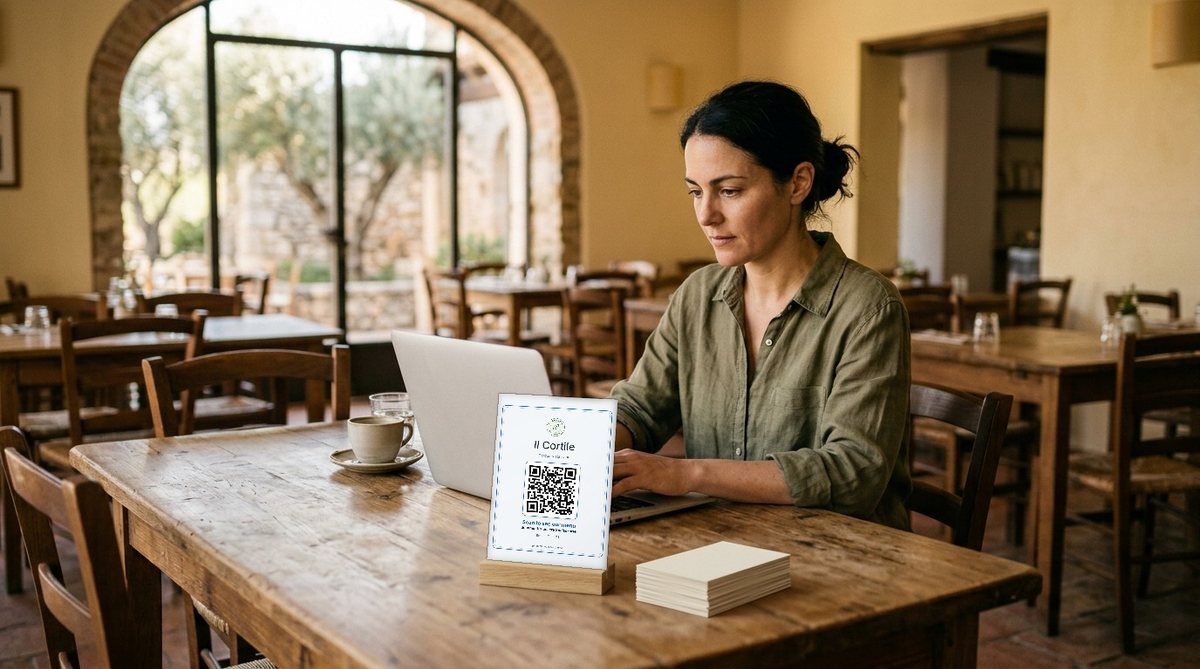
- Print the QR code. Download a print-ready sheet of table cards, put them on the tables, and you are live.
Most owners finish in about 5 minutes when they start from a photo. If you are too busy, send us photos of your menu and we build it for you within 24 hours, for free.
Try it with your own menu. Create your online menu free for 7 days, no credit card needed.
A menu maker for every kind of place
The same steps work for a restaurant menu, a café menu with drinks and pastries, a bar menu with cocktails, a food truck or a bakery. See also how to design a beautiful menu yourself for layout and writing tips that work on paper and on screen.
Frequently asked questions
Is there a free menu maker for restaurants?
Many design tools have free menu templates for printing. GetMenuBloom is free for 7 days with no credit card, so you can build your whole menu and print your QR table cards before you decide. After that it is one simple yearly or monthly price.
Can I make a menu on my phone?
Yes. Take a photo of your printed menu with your phone and upload it, and your dishes and prices are typed in for you. Everything works in the browser, so there is no app to install.
Can I still print my menu?
Yes. You get print-ready QR table cards, and guests open the full menu on their phone. You can keep a printed menu too; when prices change, only the online menu needs updating.
Do guests need an app to open the menu?
No. Guests scan the QR code with their phone camera and the menu opens in the browser, in their own language when your menu has it.
Can I change dishes and prices later?
Yes, anytime. Your changes show on the menu as soon as you publish, and the printed QR code stays the same.