How much does a digital menu cost? A clear price guide
Digital menu prices vary a lot, and the price on the homepage is not always what you end up paying. Here is what to look for.
The usual pricing models
Free plans
Usually limited: a small number of dishes, the provider's ads or branding on your menu, no translations, or a QR code that stops working when you stop paying for "premium". Fine for testing, rarely enough for a real restaurant.
Monthly plans
The most common model. Easy to start, but check what is included. Translations, photos or extra languages are often sold as add-ons.
Yearly plans
Usually cheaper per month than monthly plans, and you don't have to think about it every month.
Hidden costs to watch for
- Setup fees for "onboarding" or typing in your menu.
- Per-language fees for translations.
- Per-menu or per-location fees if you have a lunch and a dinner menu.
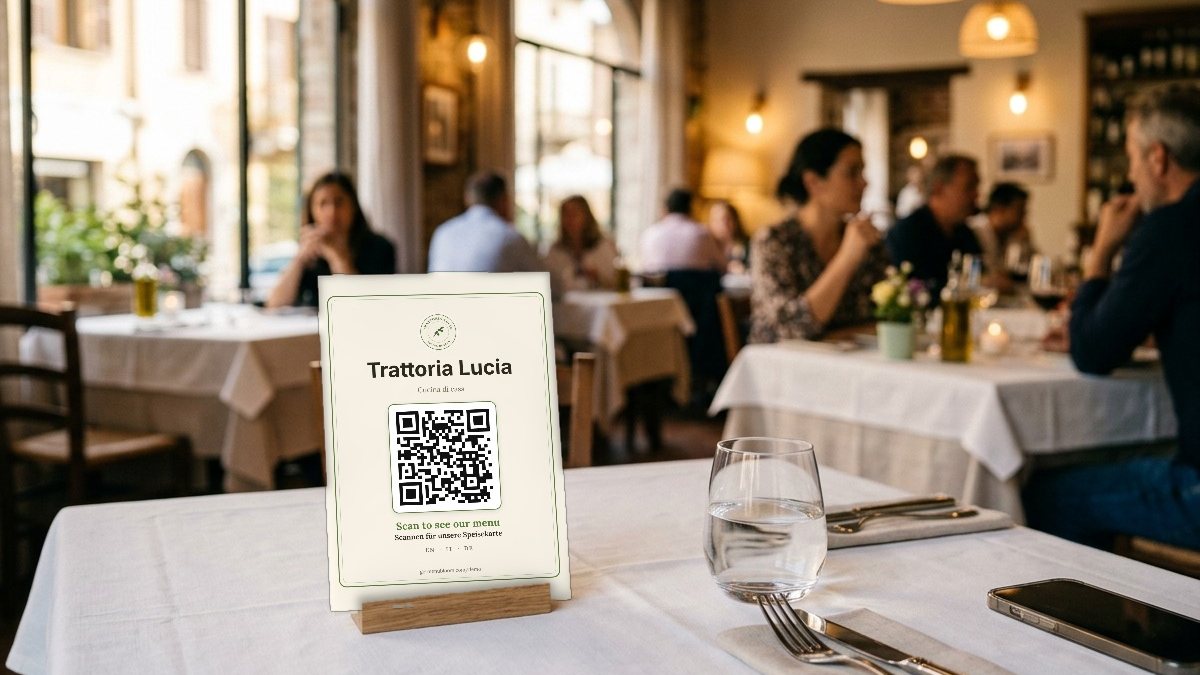
- QR codes owned by the provider that stop working if you leave, so you have to reprint everything.
- Long contracts with cancellation fees.
Compare it with printing
Before you compare digital menus with each other, compare them with what you spend today:
- Design and printing of new menus.
- Reprints after every price change.
- Lamination, folders and replacing stained or torn menus.
- Translated menus, if you have them.
For many restaurants, one round of reprinting costs more than a full year of a digital menu.
What GetMenuBloom costs
GetMenuBloom has a monthly plan and a yearly plan (two months free), and both include everything: unlimited dishes, 30+ languages with automatic translation, photos and AI photo enhancement, allergens, guest stats, your design, and a QR code that never changes. No setup fees, no add-ons, no ads on your menu.
- Free for 7 days, no credit card needed.
- If you don't subscribe, your menu pauses. Nothing is charged and nothing is deleted.
- See the price in your currency.