QR code or NFC for your menu? The difference and what fits your business
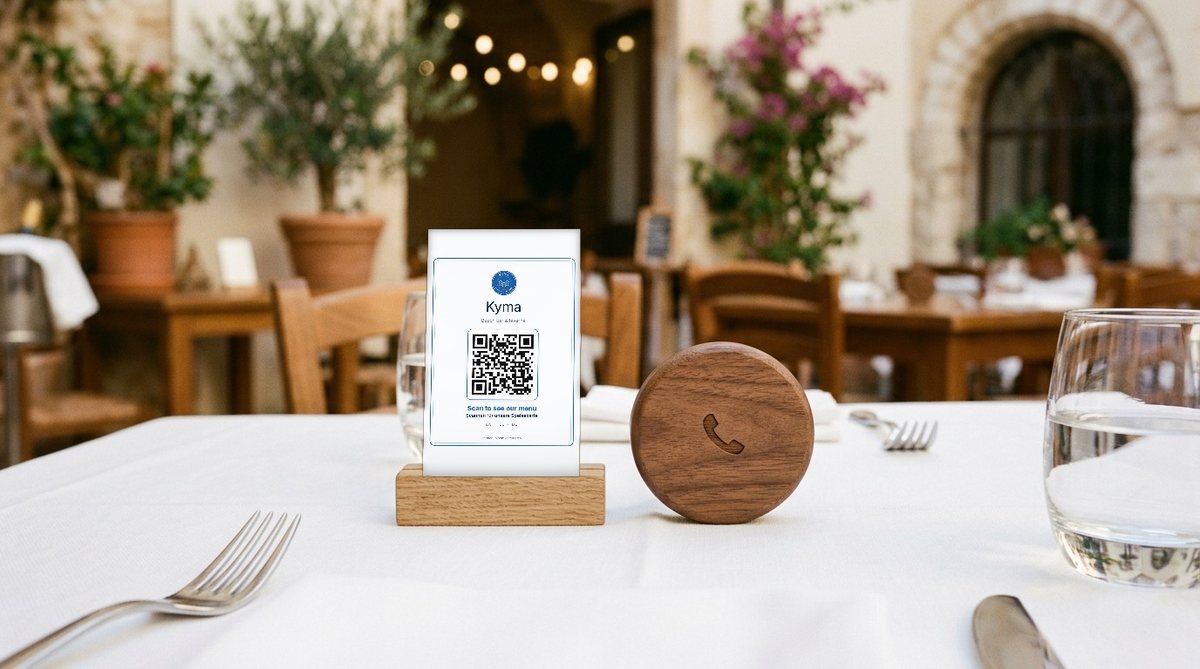
There are two simple ways to open a menu on a guest's phone without typing a link: a QR code that the camera scans, and an NFC tag that the phone reads when it touches it. Both open the same menu. The difference is in how guests use them.
How a QR code works
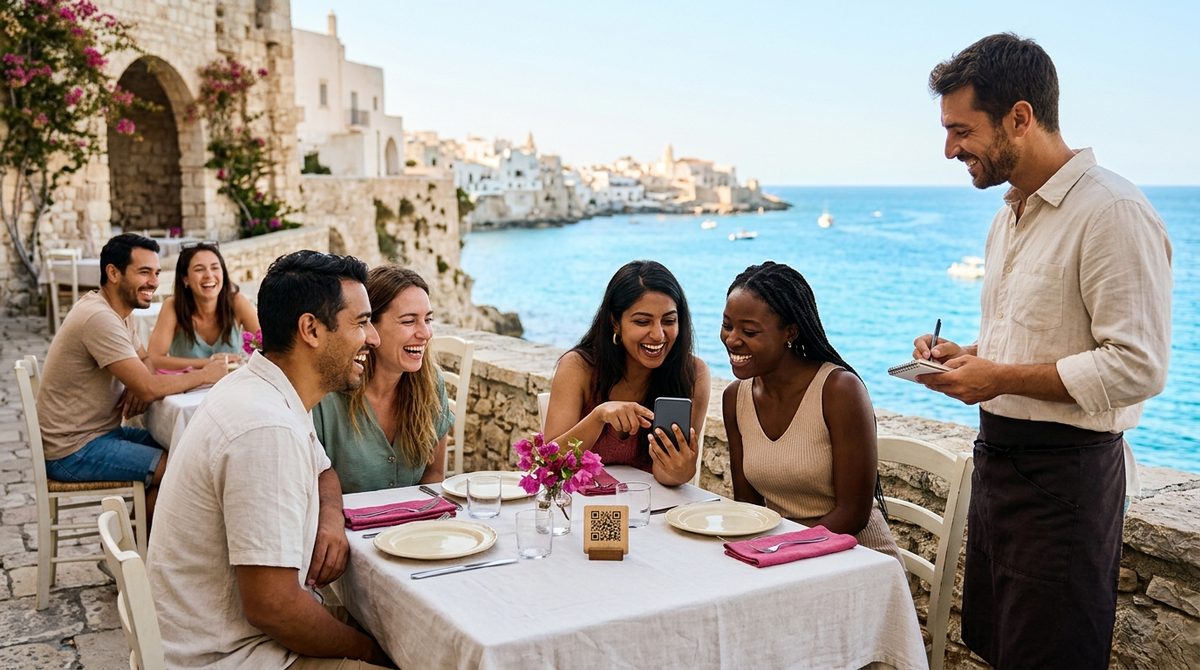
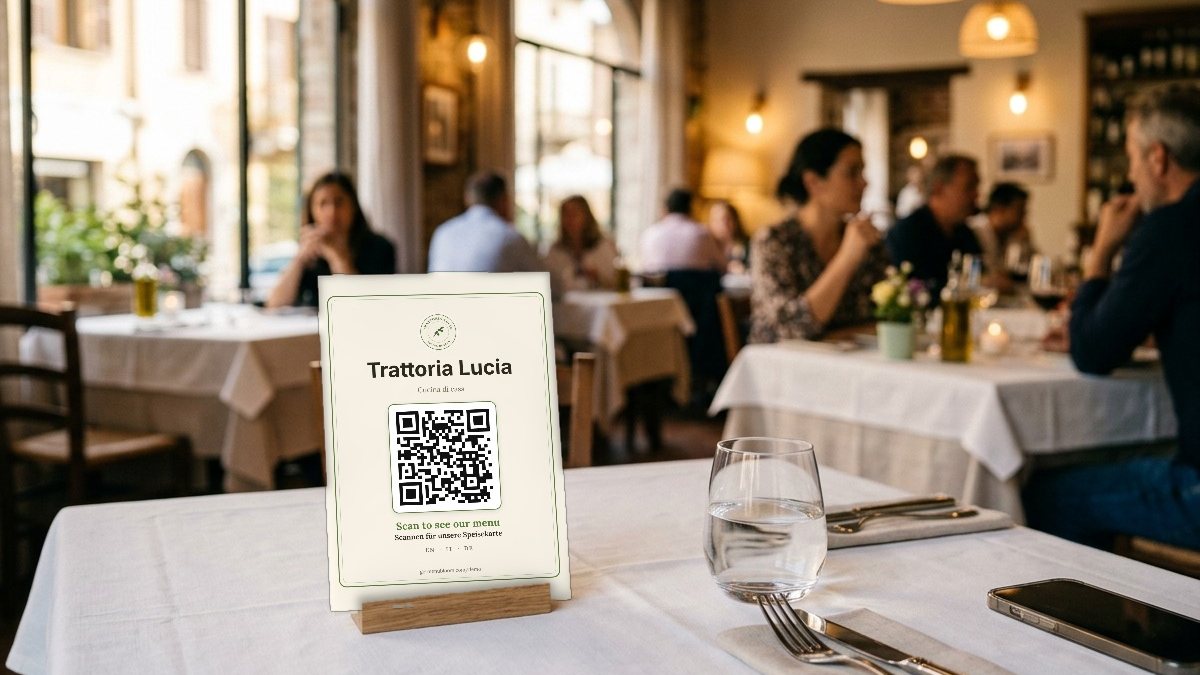
The guest opens the camera, points it at the code, and taps the link that appears. It works on practically every smartphone, and you can print it on anything: table cards, signs, windows, flyers, receipts.
Strengths:
- Works from a distance, so it is great for signs and entrances.
- Costs almost nothing to print.
- Everybody knows it.
How an NFC tag works
The guest holds the top of the phone close to a small tag (a sticker or a plastic stand), and the menu link pops up. No camera needed.
Strengths:
- Very fast at the table: tap and read.
- Works in low light where cameras struggle.
Limits:
- The phone has to touch or almost touch the tag, so it does not work from a distance.
- Some guests don't know their phone can do it, so you still need a short "tap here" sign.
- Tags cost more than printed paper.
Which one should you use?
| QR code | NFC tag | |
|---|---|---|
| Works from a distance | Yes | No |
| Works in the dark | Needs some light | Yes |
| Cost | Very low | Higher |
| Guests who know how | Almost everyone | Many, not all |
| Best for | Signs, windows, tables, food trucks | Tables, bars, hotel rooms |
For most businesses, the answer is QR code first. If you like NFC, add it to your tables as a second option, next to the QR code.
The good news: one link for both
A QR code and an NFC tag are just two ways to open a link. Your GetMenuBloom menu has one permanent address, so you can use it in a QR code (which we create for you) and write the same address to any NFC tag with a free NFC app. Update your menu once, and both open the latest version.