How to turn a printed menu into a digital menu in one scan

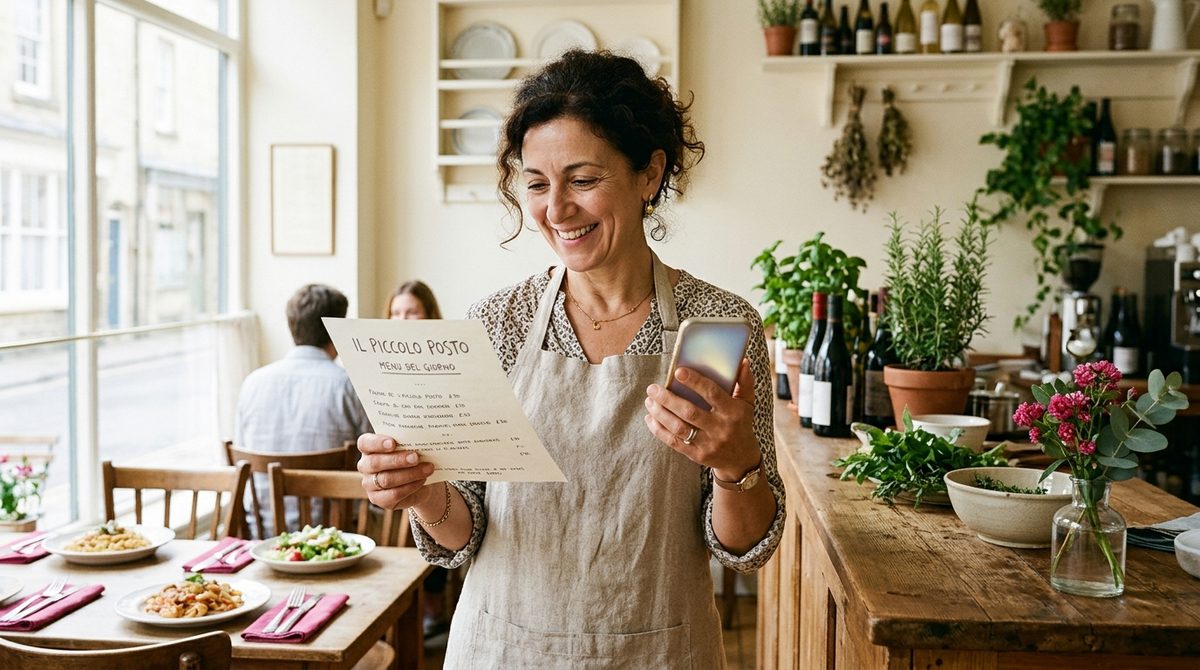
Typing a menu of 80 dishes, prices and descriptions takes hours. The good news: you don't have to. If you have a printed menu, a PDF or a Word file, you can turn it into a digital menu in minutes.
What you need
- Your printed menu, or the file you sent to the printer (PDF or Word).
- A phone with a camera, or a computer.
- About 15 minutes.
Step 1: Take good photos
- One photo per page, from straight above.
- Good light, no shadow of your phone on the page.
- The whole page in the frame, with the prices visible.
If you have a PDF or Word file, it is even easier: upload the file as it is.
Step 2: Upload it
In GetMenuBloom, open Start from your printed menu and add your photos or file. The pages are read in the order you choose, and your sections, dishes, descriptions and prices are filled in for you, usually in about a minute.
Step 3: Check what was read
Reading a menu automatically is fast, but not perfect. Check these things:
- Prices. Compare a few prices with the printed menu, especially dishes with two prices (small and large).
- Section names. Make sure every dish landed in the right section.
- Special characters. Dish names in other languages, accents and symbols.
- Anything missing. Daily specials written by hand, or dishes in a corner of the page.
Everything can be edited, added or deleted after the import.
Step 4: Add what paper can't do
Now that your menu is digital, add what a printed menu never had:
- Photos of your signature dishes.
- Allergens, vegan, vegetarian and gluten-free labels.
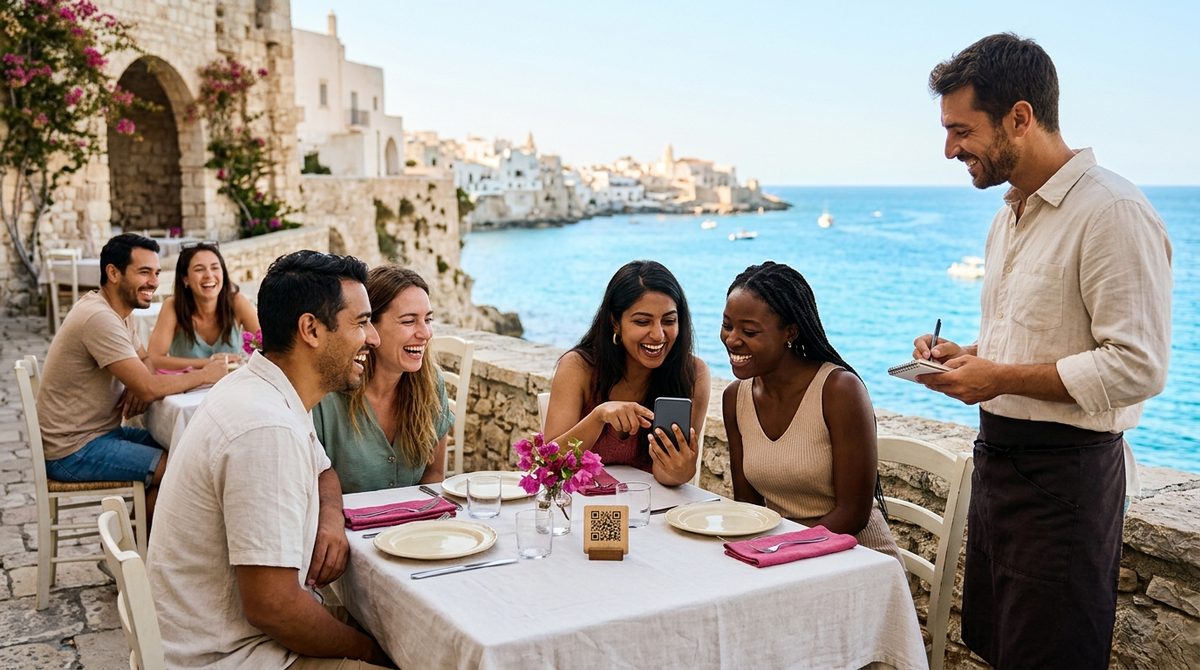
- Translations into the languages your guests speak, created automatically.
Step 5: Publish and print your QR code
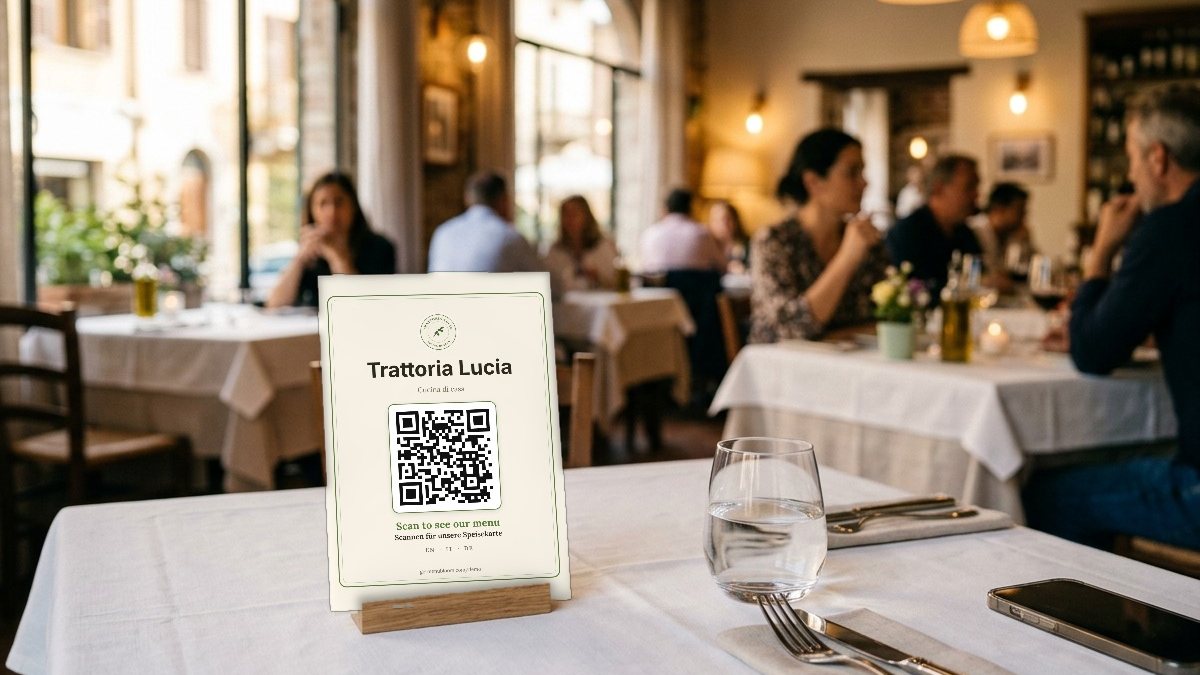
Publish your menu, download your QR table card, and put it on the tables. From now on, a price change takes seconds, and the same QR code always shows your latest menu.
Too busy to do it yourself?
Send us photos of your menu after you sign up, and we will set it up for you within about 24 hours, free.